Ranking
Let respondents reorder a list of options based on priority or importance. It’s ideal when you want to understand what matters most to your audience.
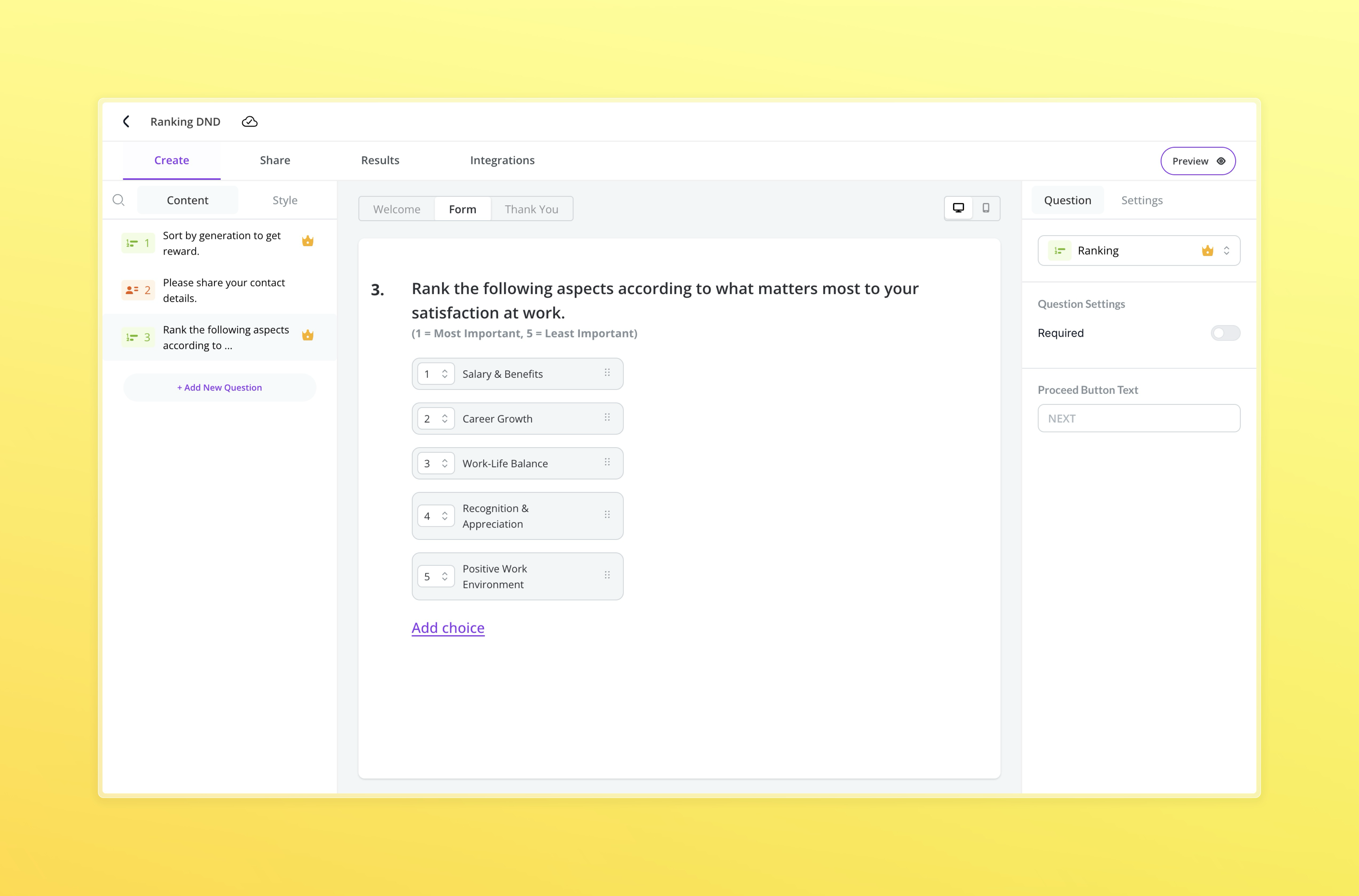
Respondents will be shown a draggable interface to rank their choices. You can use this to:
- Prioritize product features
- Identify top workplace benefits
- Rank purchase motivators
Settings Available
- Mandatory: Make the question required
- Proceed Button Text: Customize the CTA on this step
Ranking questions work best when you’re looking for comparative feedback rather than absolute scores.
Respondent Preview
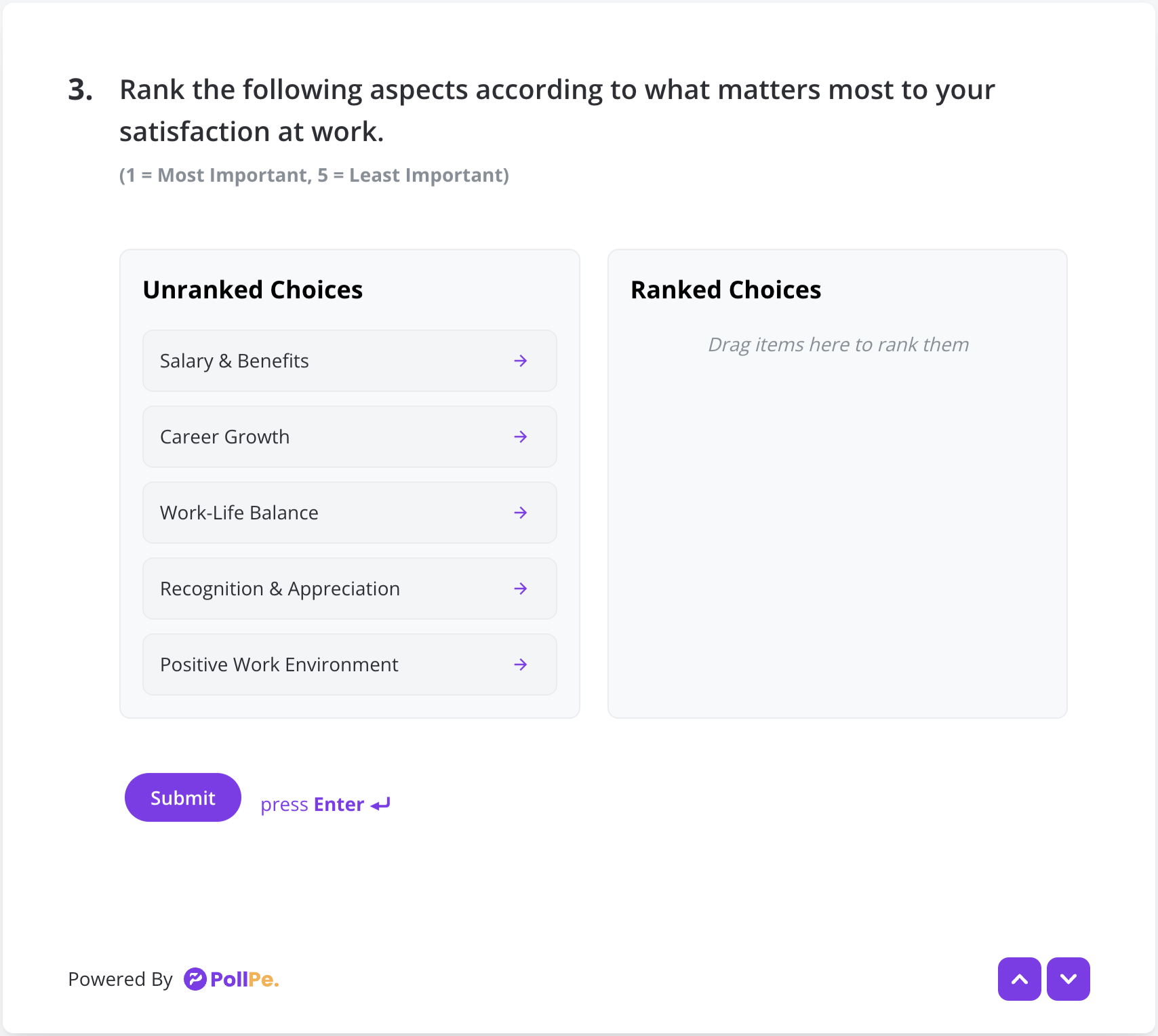
Respondents will see two columns to drag and drop options from left (Unranked) to right (Ranked). They can reorder items easily by dragging.
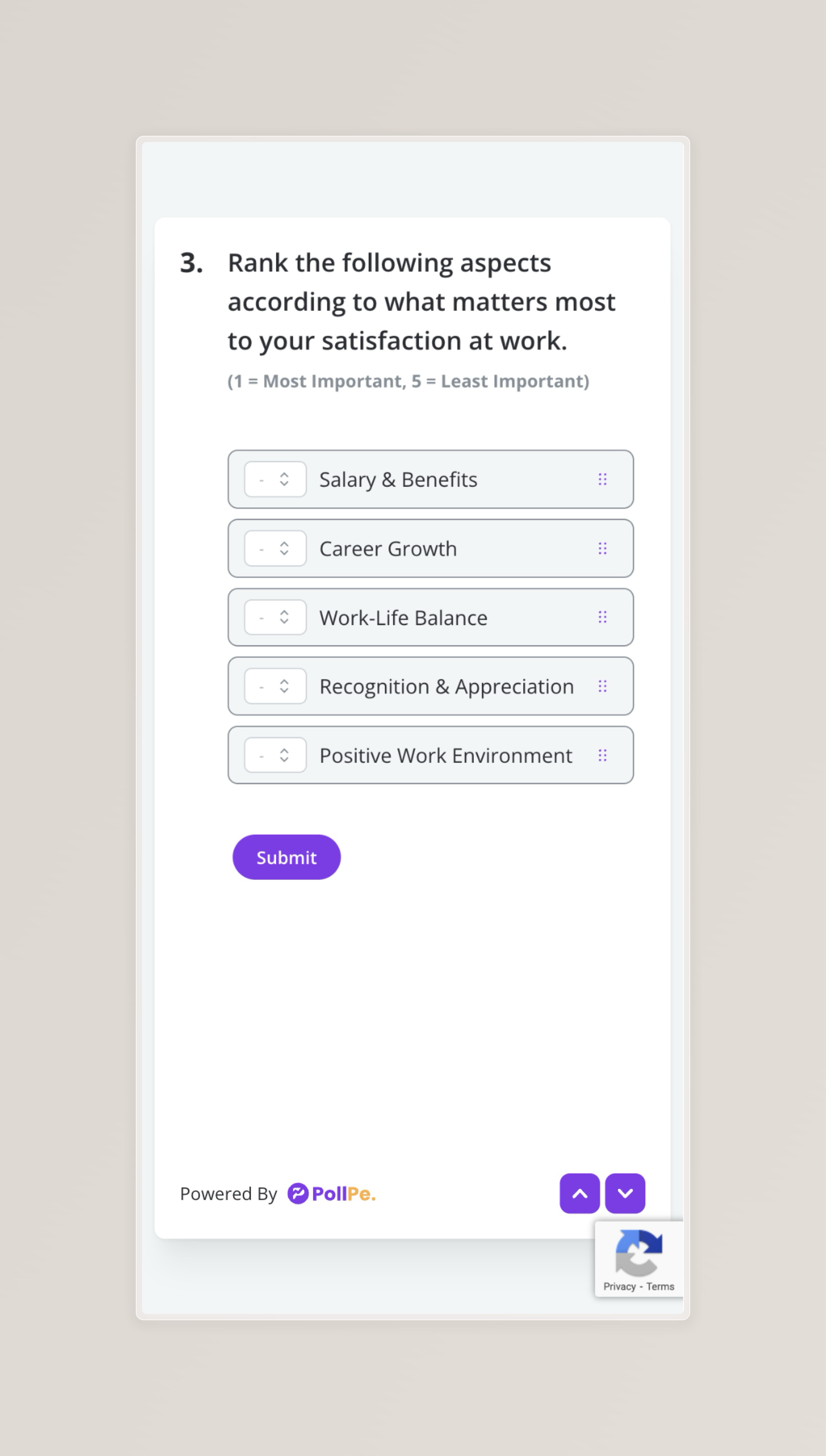
On mobile devices, users will see an optimized vertical list for easy ranking. Items can be reordered using the drag handle or dropdown.